Administration overview
The Administration section gathers all the tools for managing the account, users, system access, and integrations with external services.
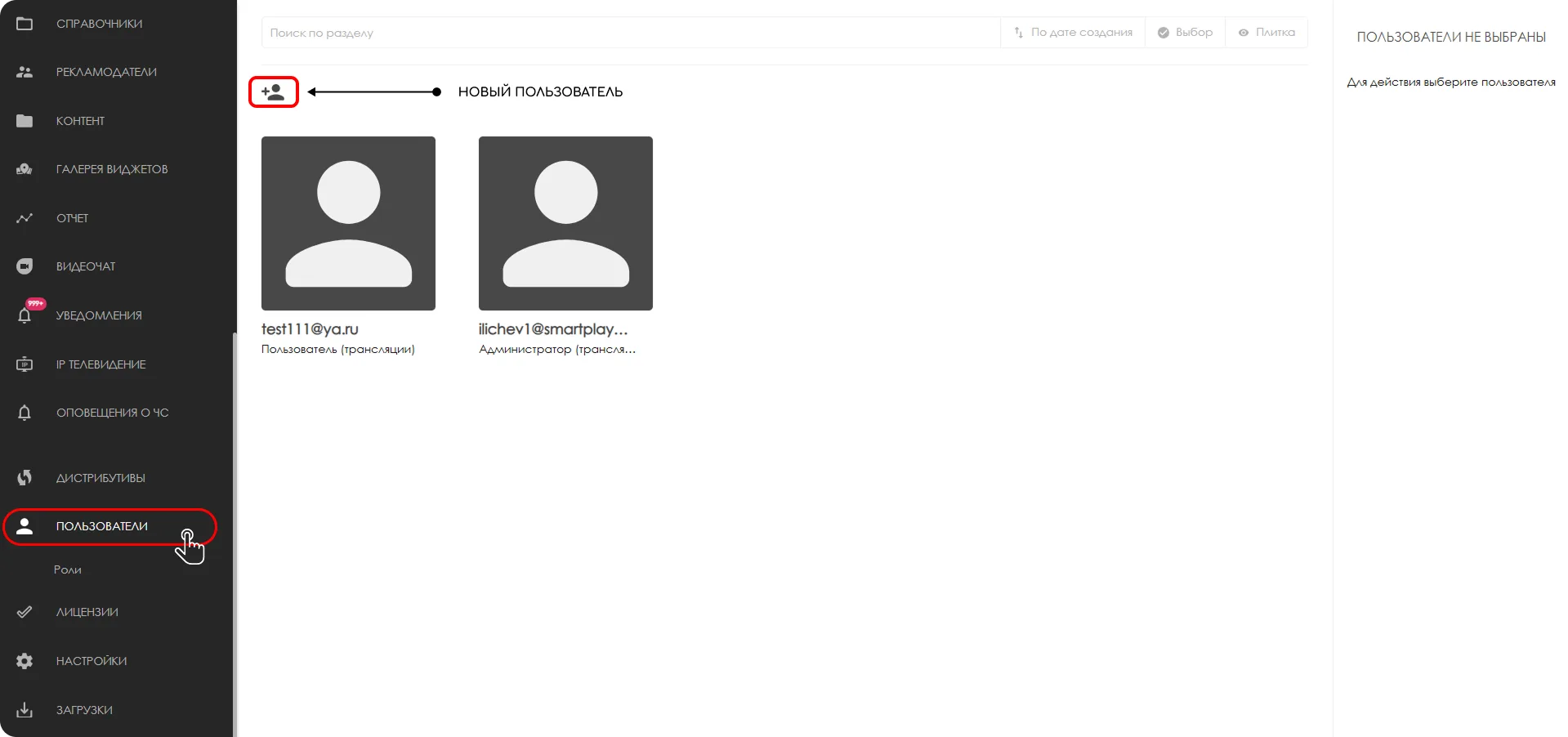
Section structure
Users
Creating and managing accounts, assigning roles and section-level access rights
Roles
Configuring user roles: SuperAdmin, Admin, Content manager, Operator, Guest
Action log
The history of every change in the system, filterable by user, event type, and period
Account settings
Organization parameters, logo, time zone, notifications, API keys
Account settings
Administration → Settings covers:
| Parameter | Description |
|---|---|
| Organization name | Shown in the interface, reports, and notifications |
| Logo | Interface customization — the logo in the dashboard header |
| Time zone | Affects every schedule and timestamp |
| Notifications | Global settings for email alerts about events |
| Notification mail | The list of e-mail recipients for system notifications and device alerts |
| API keys | Tokens for integrating with external systems |
| Interface language | The language for all of the account's users |
The wiki specifically stresses: after adding or changing notification addresses, press Save — otherwise the recipient list won't be written to the server.
Integrations
SmartPlayer integrates with corporate systems and external data sources:
| System | Use case |
|---|---|
| Active Directory / LDAP | Single sign-on (SSO) — log in with a corporate account |
| REST API | Managing content and schedules from external systems (ERP, CRM, ITSM) |
| Web widgets | Displaying data from external sources (weather, exchange rates, queues) |
| RTSP / HLS streams | Live video from cameras or online sources |
Two-factor authentication
For extra security you can enable 2FA:
Administration → Settings → Security → Two-factor authentication
Once active, signing in requires a code from an authenticator app (Google Authenticator, Yandex Key, and compatible apps).
Detailed REST API documentation with request examples is available in Administration → API after signing in. API keys are generated and revoked there as well.