Black screen detector
The black screen detector helps catch situations where a device formally stays in operation but the screen shows no useful content.
What it helps catch
A screen with no useful content
A device can be online yet show a black background instead of the broadcast
An email notification
On detection, the system can notify the user or an administrator by email
Remote sites
Useful where the screen is hard to check in person
Critical screens
Helps spot a failure faster at important display points
Possible causes
| Cause | Where to check |
|---|---|
| A schedule mistake | Assigning a schedule, Editing a schedule |
| A problem downloading materials | Downloads |
| A broadcast failed to start | Device monitoring, What to do if… |
| Incorrect publication logic | Schedule priority, the audit log |
| A failure in the content delivery chain | Downloads, change history, device logs |
What to do after a notification
Check the schedule
Make sure an active broadcast is assigned to the device, the schedule's validity window is correct, and its priority isn't overridden by another rule.
Check the content
Open the broadcast and confirm the right zone has content, it hasn't been deleted from the media library, and its display duration is correct.
Check the download queue
In Downloads, see whether the materials reached the device. A failed download or a stuck queue often explains a black screen without a site visit.
Review the latest changes
Check the audit log: who changed the schedule, the broadcast, the device, or access rights before the notification fired.
Go to the device only after checking the dashboard
If the schedule, content, and downloads are fine, move on to hardware diagnostics: screen power, network, the SmartPlayer app, device logs.
The black screen detector doesn't replace checking schedules, downloads, and change history. It's an extra signal that helps you start diagnostics sooner.
Before enabling the scenario on critical sites, test it on a trial group: make sure the notifications reach the right people and don't create needless noise.
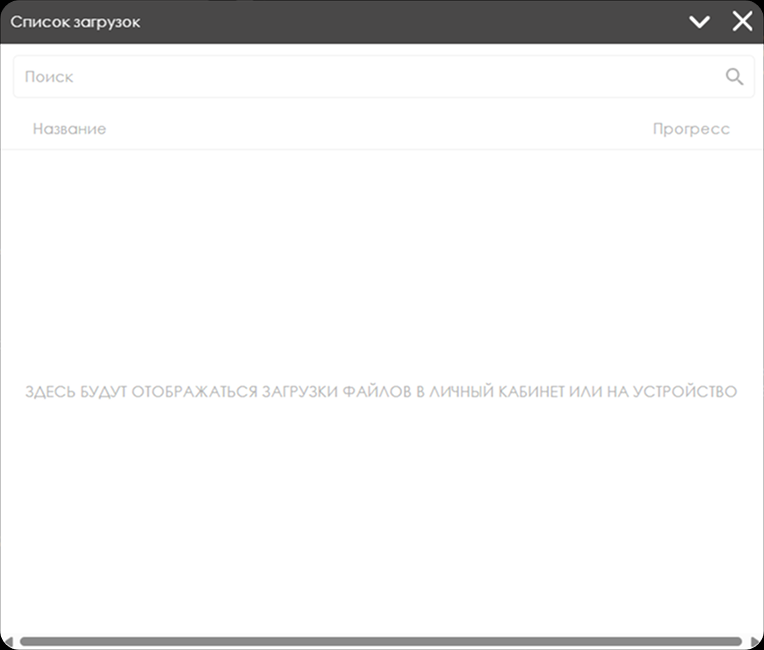
The PDF has no dedicated figure for the black screen detector. So the guide shows the related diagnostic screen — Downloads — which the document explicitly recommends checking after a notification fires.