Playback order
Arrange content in a fixed sequence or enable shuffling within a broadcast zone.
Select the order for a zone
- Open or create a broadcast, create a zone and add content.
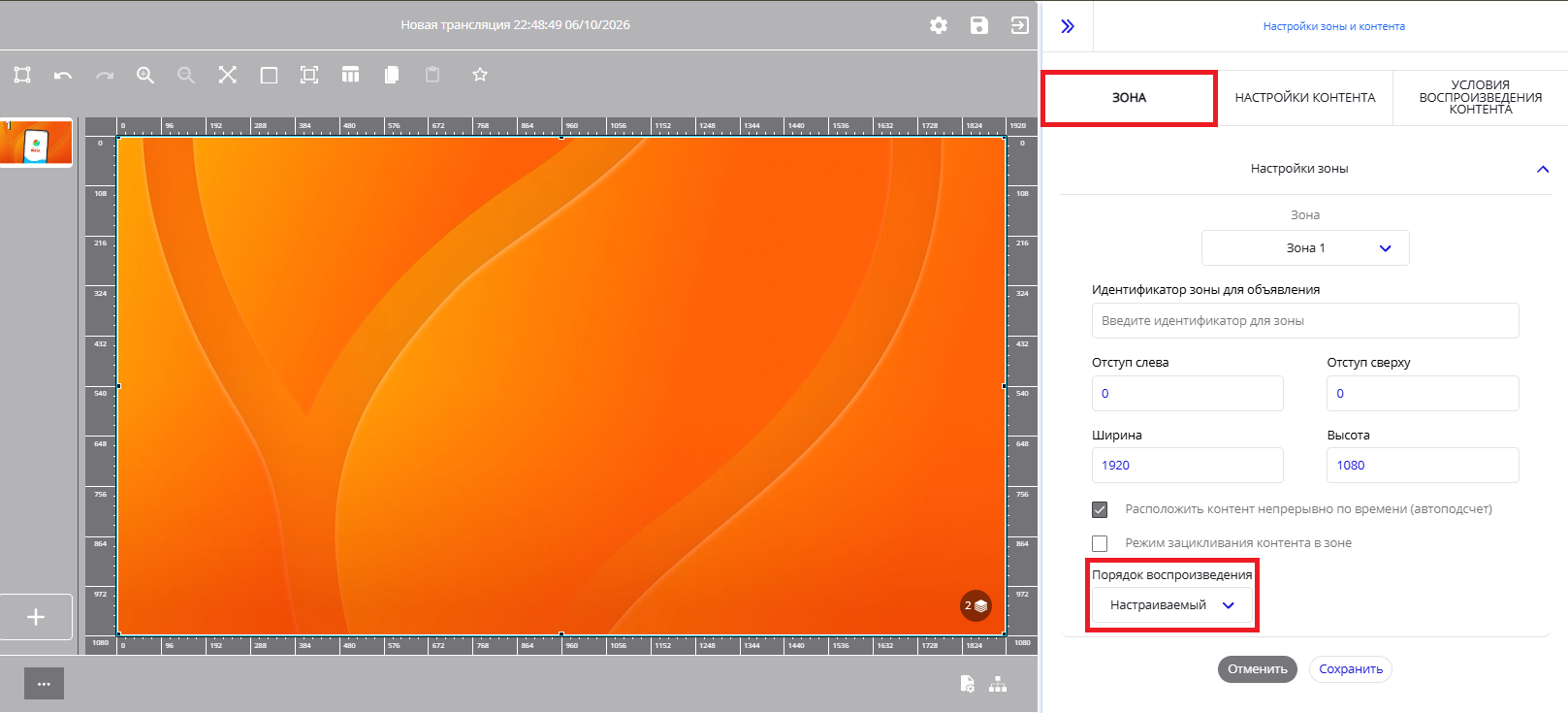
- Select content in the preview and open the Zone tab on the right.
- Find Playback order near the bottom of the settings.
- Choose Custom to use the arranged sequence or Shuffled to play items in random order.
- Finish with Save in the zone settings.
Conditions for shuffling
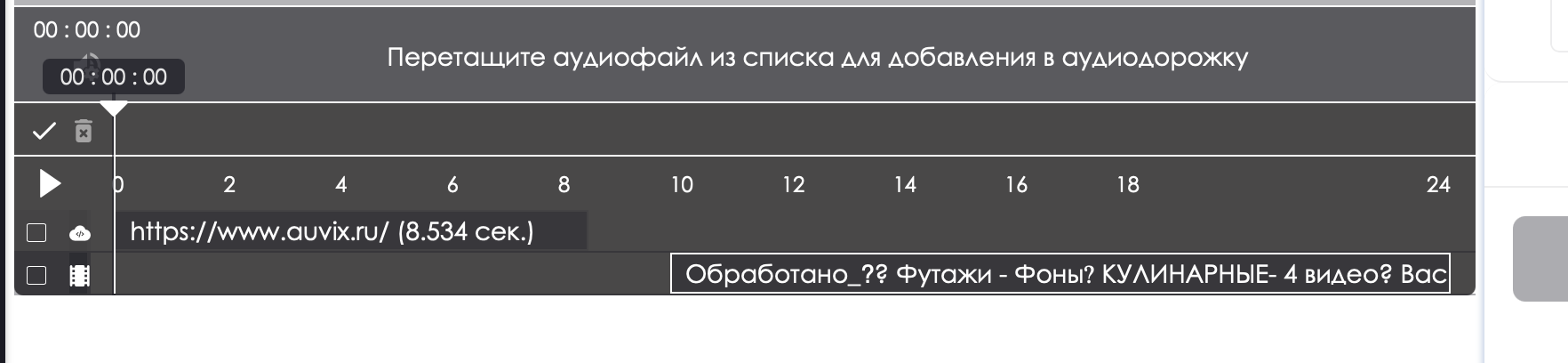
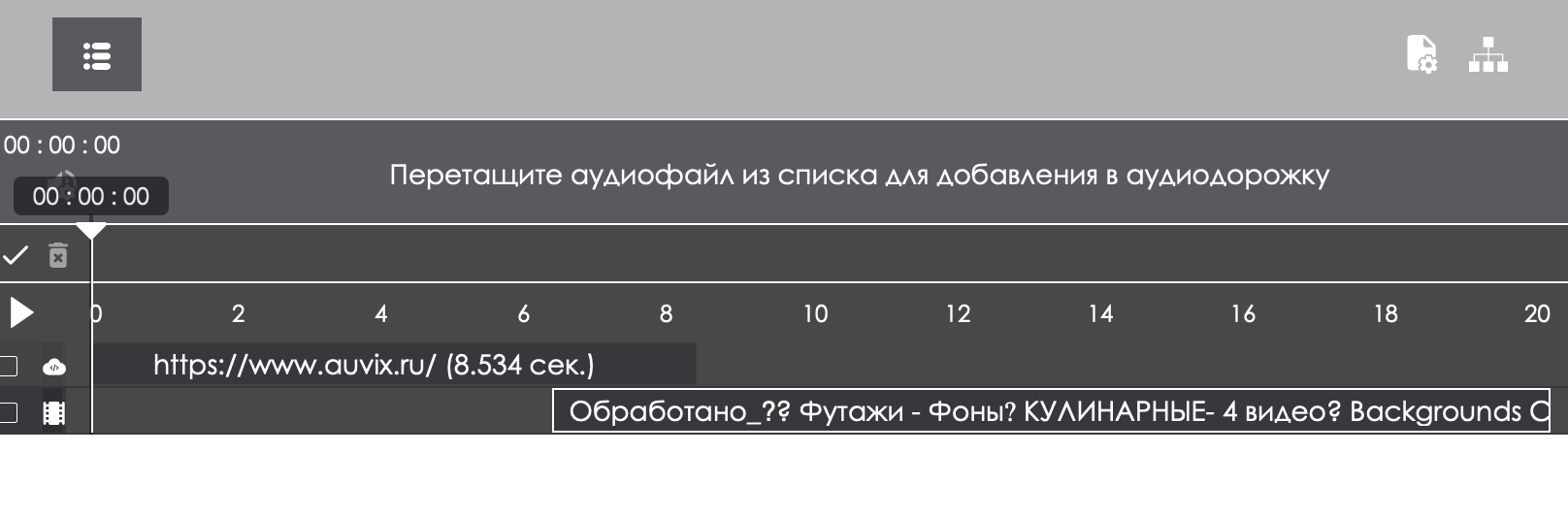
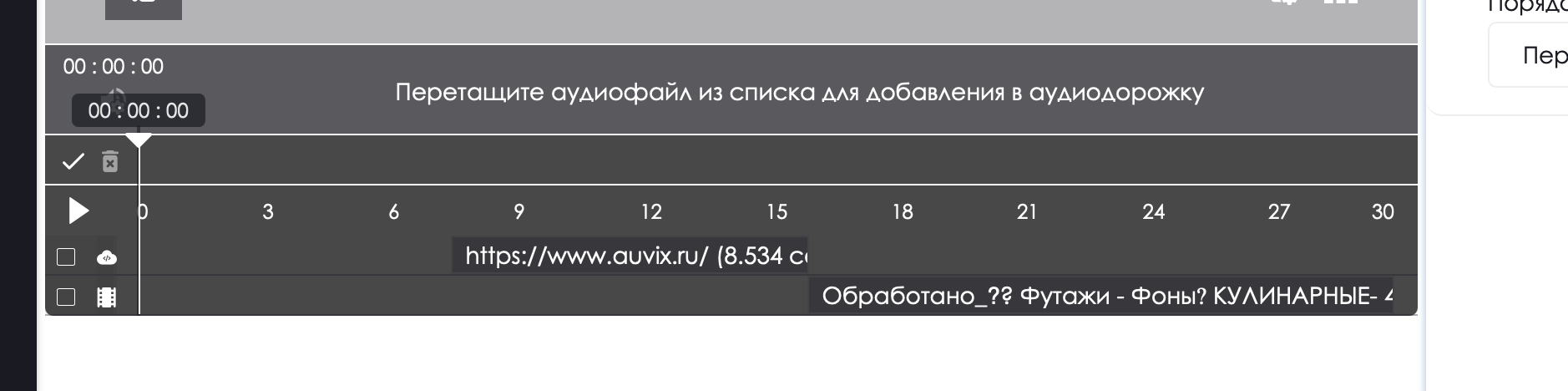
Items must be consecutive within one zone, without internal gaps or overlaps. Empty time before the first or after the last item is allowed, including at both ends.
| Situation | Shuffling |
|---|---|
| Items are consecutive | Works |
| Empty time only before the first and/or after the last item | Works |
| A gap between items | Not applied |
| Items overlap | Not applied |
| Synchronisation is enabled | Not applied |
| An announcement inserted at a specific time is playing | Not applied |
| The broadcast uses a smart folder | Not applied |
Timeline examples
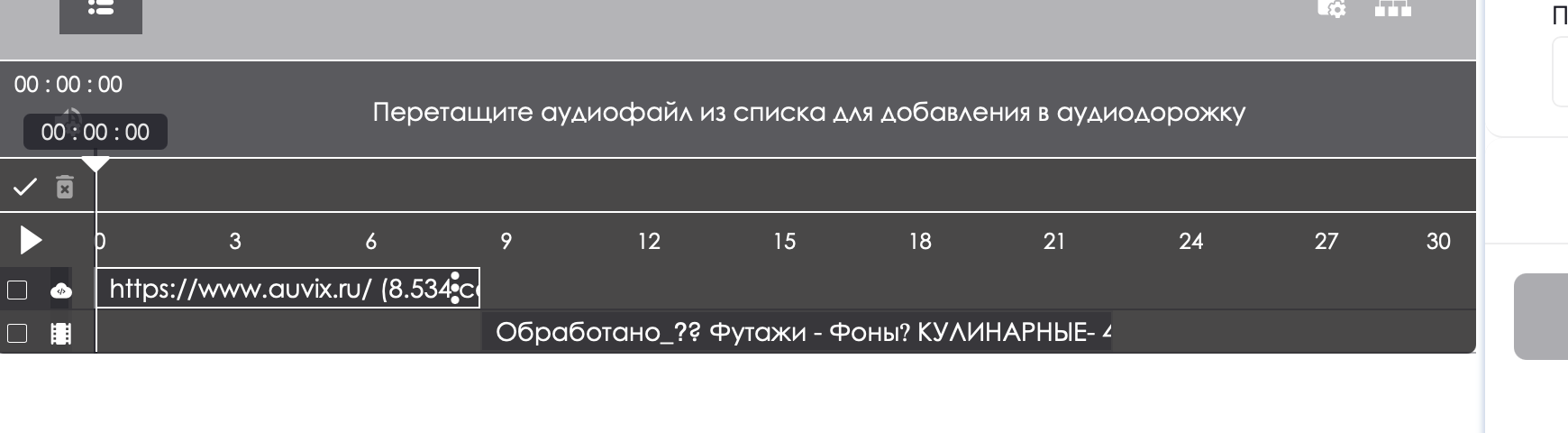
If the order does not change
Check the zone timeline and every exception in the table. Shuffling does not replace synchronised playback: it is not applied when synchronisation is enabled.
Source
SmartPlayer Wiki — playback order
Next
Multi-zone broadcast